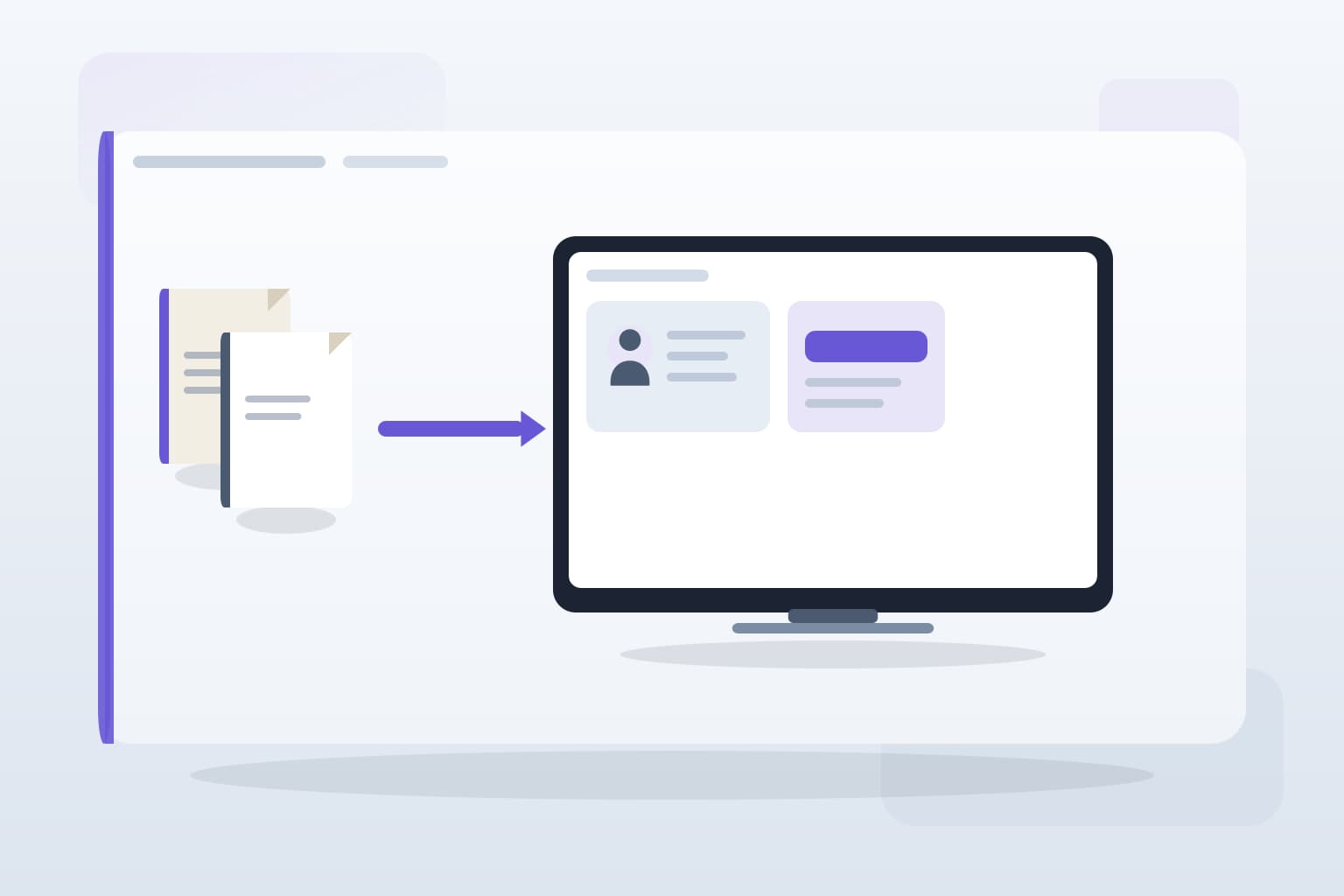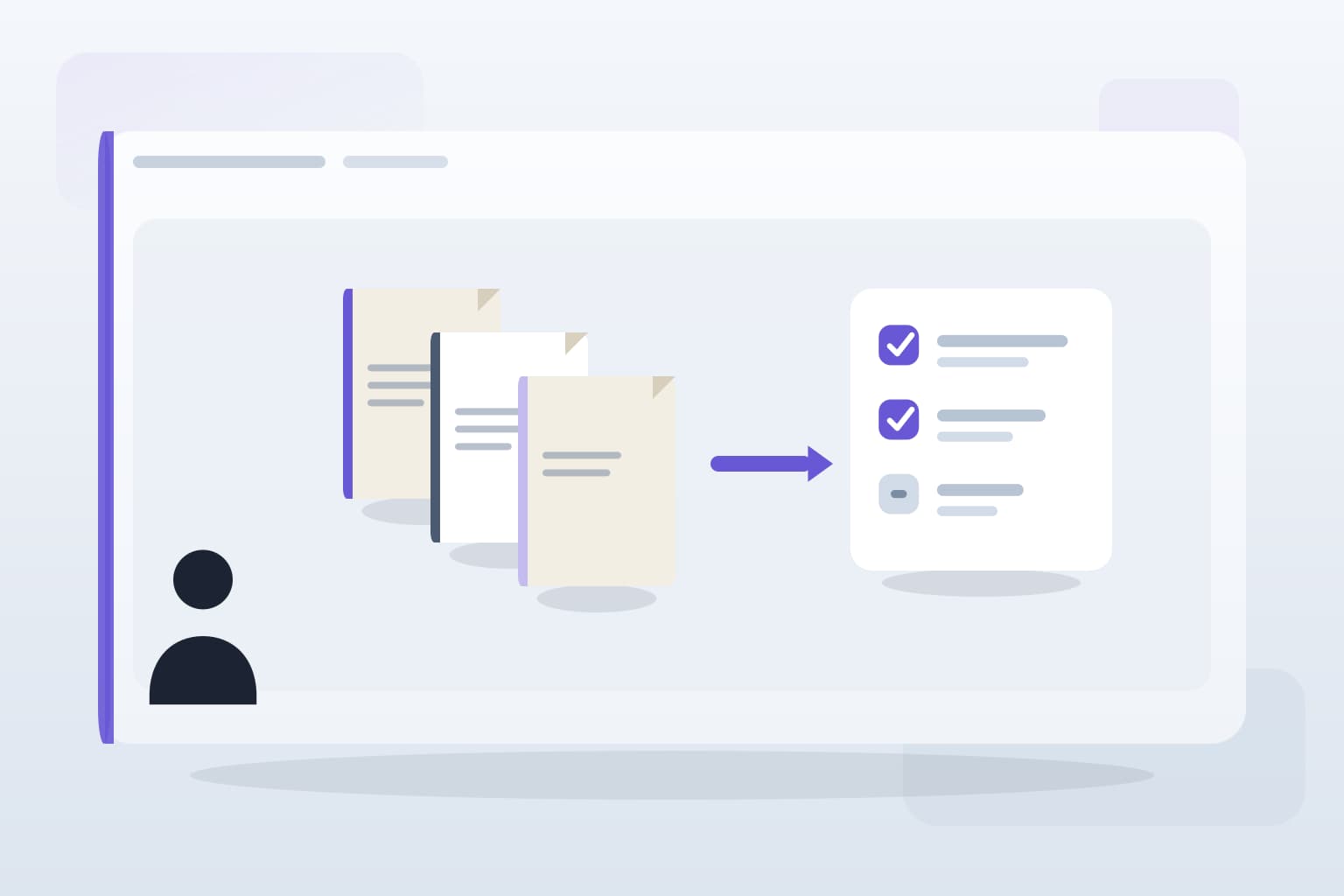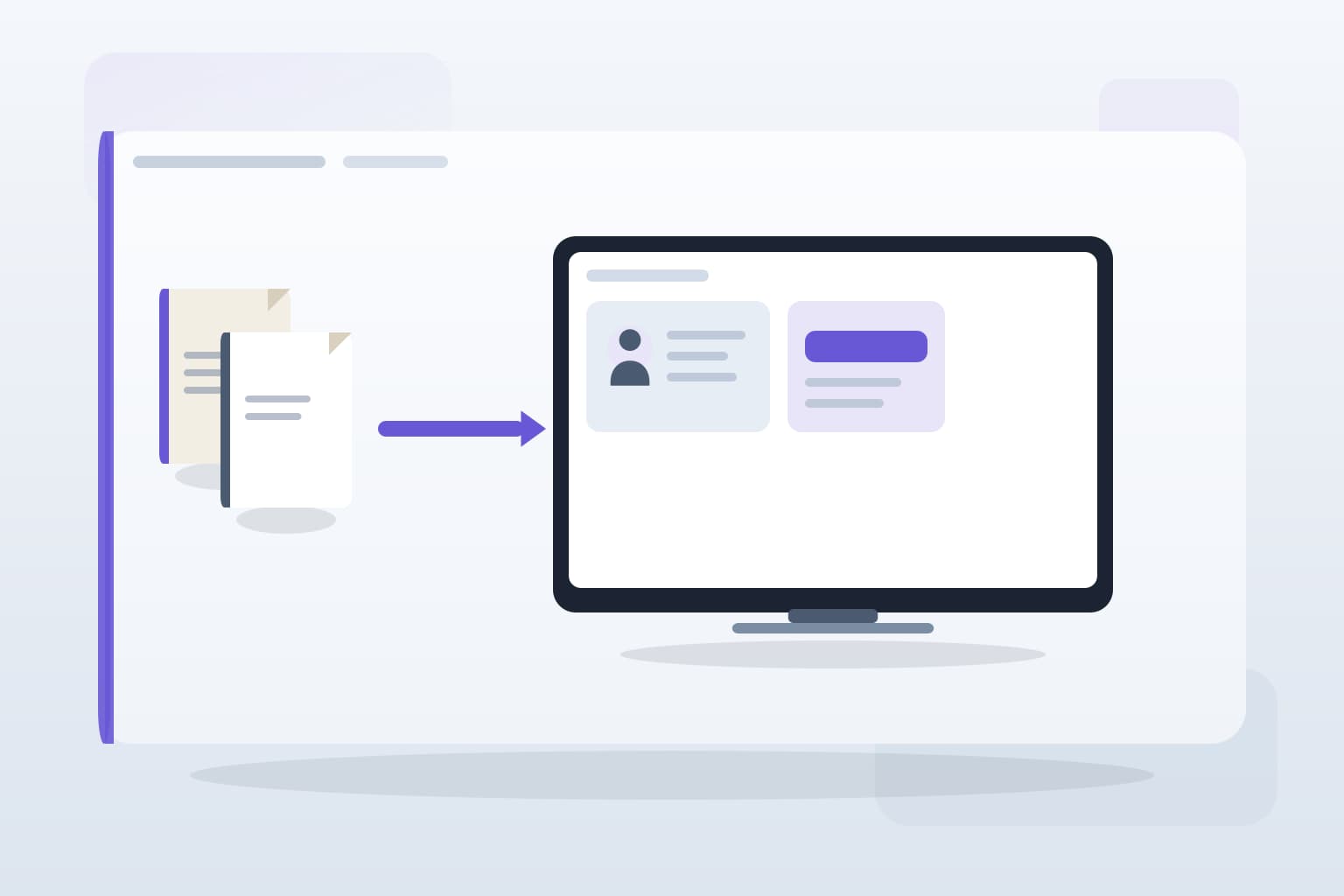
Picture this: it's the end of the month, and your team is drowning in client emails, WhatsApp messages, and endless document requests. You're chasing down VAT packs and year-end documents while trying to keep your sanity. This chaotic cycle is all too familiar for many accounting practices, especially those with 10 to 50 staff members. A well-designed client portal can be the solution to this problem, providing a single, organised space for clients to upload documents and communicate with your team.
Define Your Requirements
Before diving into development, outline what you need from the portal. Consider the types of documents your clients frequently submit, such as VAT evidence or self-assessment forms. Think about the features that would ease your workflow: automated reminders for clients to upload documents, status updates on submissions, and a secure messaging system for queries. This clarity will help you avoid costly mistakes later on.
Choose the Right Technology
Selecting the right technology stack is crucial. You want a platform that integrates seamlessly with your existing tools like Xero or QuickBooks. Look for options that allow for customisation and scalability, as your needs may evolve. Avoid generic SaaS solutions that don’t cater specifically to accounting firms. A bespoke system can be designed to fit your unique workflow, reducing the need for manual data entry and document chasing.
Implement User-Friendly Design
Your portal should be intuitive for clients. A confusing interface will lead to frustration and, ultimately, more emails for your team. Ensure that the upload process is straightforward, clients should be able to drag and drop files easily. Include clear instructions and FAQs to reduce the number of queries you receive. Remember, the goal is to make it easier for clients to interact with your practice, not to add another layer of complexity.
Test and Iterate
Once your portal is live, gather feedback from both clients and staff. Are there any pain points? Is the document upload process smooth? Use this feedback to make necessary adjustments. Continuous improvement is key; what works today may not be sufficient tomorrow. Regularly review the portal’s performance and make updates as needed to keep it aligned with your practice’s evolving needs.
Key takeaways
What to remember
The points worth carrying into your next pack cycle or process review.