Picture this: it's the end of the month, and you’re buried in emails from clients chasing the same documents you requested weeks ago. Each reminder feels like a small battle, and yet, you still don’t have everything you need to complete your VAT packs or year-end accounts. This scenario is all too familiar for many accounting firms, leading to wasted time and increased frustration.
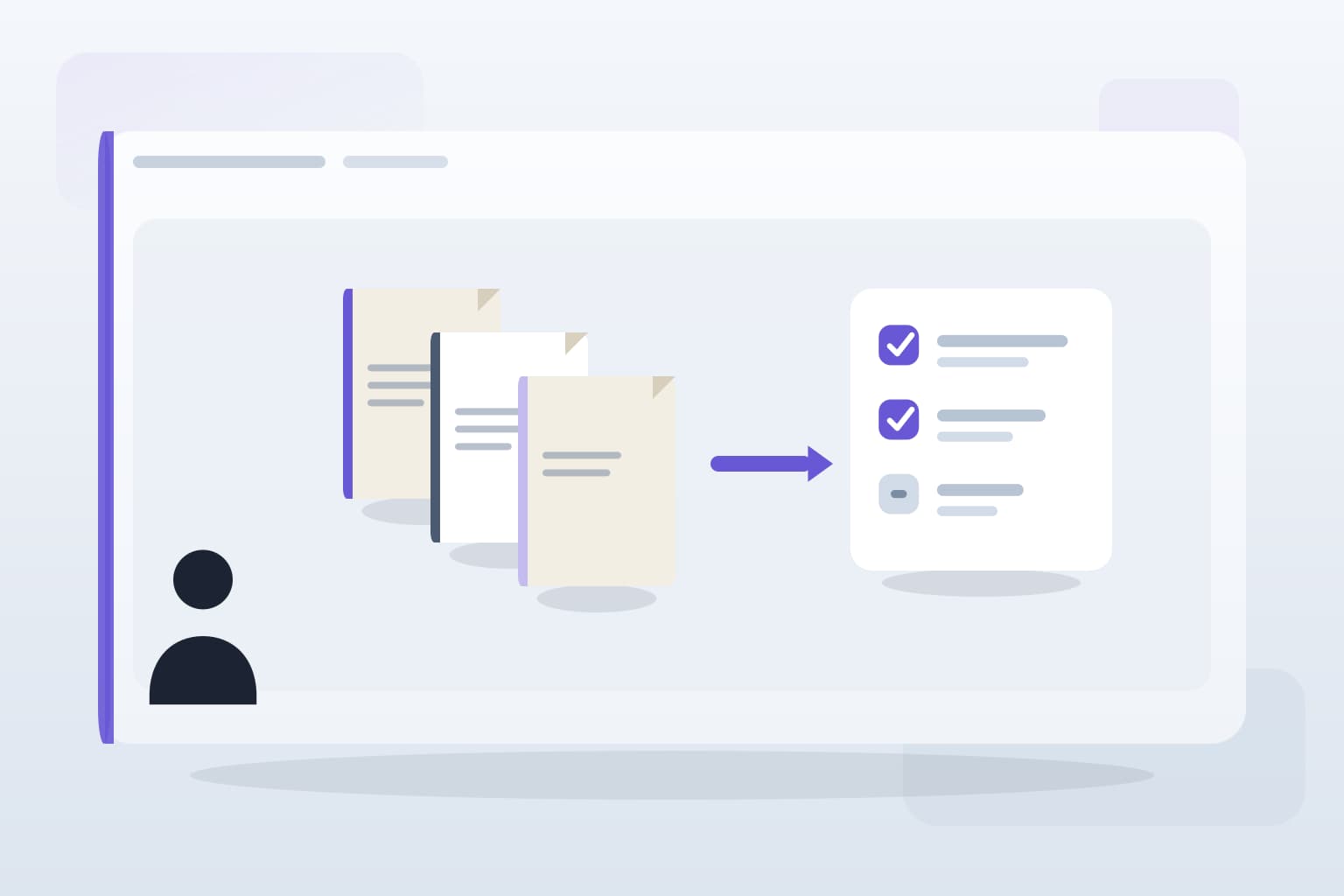
The good news is that automating your client document collection process can turn this chaos into a streamlined operation. By implementing the right systems, you can reduce the back-and-forth with clients and ensure that documents are submitted on time.
Identify Key Documents
Start by identifying the essential documents you need from clients. This might include VAT returns, year-end statements, or payroll information. Creating a clear checklist for each client can help set expectations and ensure they know what to provide. Avoid the trap of assuming clients remember everything; clarity is key.
Once you have your list, consider how often you need these documents. Regularly required documents can be set up in a recurring request system, while one-off requests can be handled separately.
Choose the Right Tools
Selecting the right tools is crucial for automating document collection. Look for platforms that integrate with your existing systems, such as Xero or QuickBooks. A client portal that allows secure uploads can significantly reduce the clutter of emails and WhatsApp messages, which often lead to lost documents.
Many firms overlook the importance of user experience. Ensure that the tools you choose are simple for clients to use. A complicated interface can lead to frustration and ultimately result in fewer documents being submitted on time.
Set Up Automated Reminders
Once your tools are in place, set up automated reminders for clients. These can be gentle nudges sent out a week before the due date, followed by a firmer reminder a day or two before. Automating this process helps keep your firm top-of-mind for clients without adding to your workload.
Be cautious, though: too many reminders can annoy clients. Find a balance that keeps your requests polite yet persistent.
Monitor and Adjust
After implementing your automated system, monitor its effectiveness. Are clients responding well? Are you receiving documents on time? Use feedback to refine your approach. If certain documents are still frequently missing, consider adjusting your reminders or providing additional guidance on how to submit them.
Remember, automation is not a set-it-and-forget-it solution. Regularly review your processes to ensure they remain efficient and effective.
Key takeaways
What to remember
The points worth carrying into your next pack cycle or process review.