Picture this: it's the end of the month, and your team is buried under a mountain of emails, WhatsApp messages, and document requests from clients. You're chasing down VAT packs, year-end documents, and trying to make sense of client communications scattered across multiple platforms. This chaos not only drains your team's energy but also eats into valuable time that could be spent on higher-value tasks. Automating client communication can help you regain control and improve your practice's efficiency.
The key is to implement systems that centralise communication and document collection, reducing the need for endless back-and-forth emails and messages. Here’s how you can start.
Centralise Communication Channels
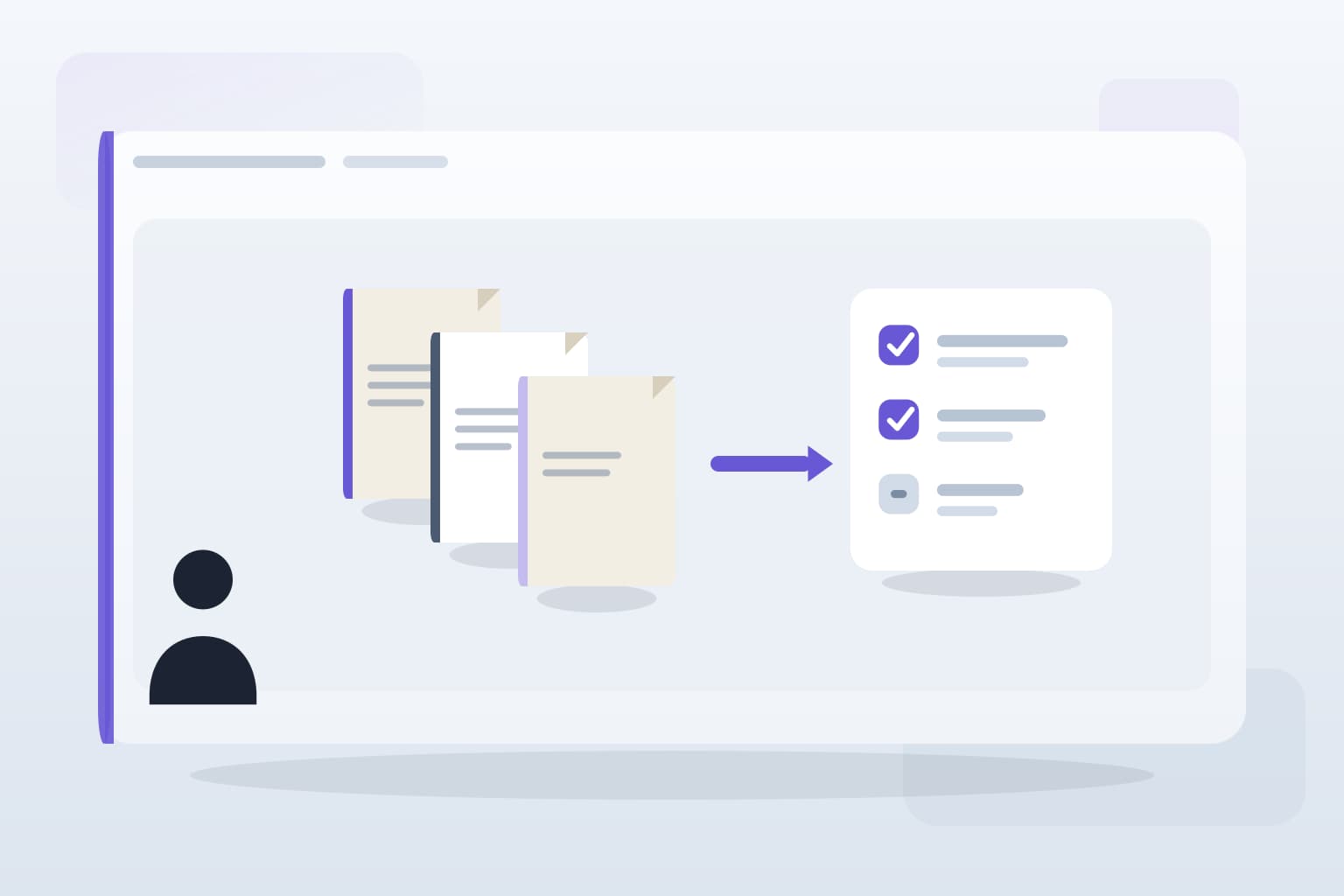
One of the most effective ways to automate client communication is by centralising all interactions through a single platform. This could be a client portal where clients can upload documents, ask questions, and receive updates. By directing all communications to this portal, you eliminate the chaos of juggling emails, WhatsApp messages, and phone calls. Clients appreciate having one place to go for their queries, and your team can easily track and manage requests.
Consider integrating your existing tools, such as Xero or QuickBooks, with the client portal. This way, clients can upload documents directly related to their accounts, and your team can access everything they need without searching through various channels.
Automate Document Requests
Chasing clients for documents is a common pain point in accounting practices, often leading to frustration for both parties. Instead of sending reminders manually, set up automated document requests. For instance, when a client’s VAT pack is due, an automated email can be sent out reminding them to upload the necessary documents. This not only saves time but also ensures that clients are consistently reminded without the need for personal follow-ups.
Utilising automated reminders can significantly reduce the time spent on document chasing, allowing your team to focus on more complex tasks that require human intervention.
Implement Workflow Automation
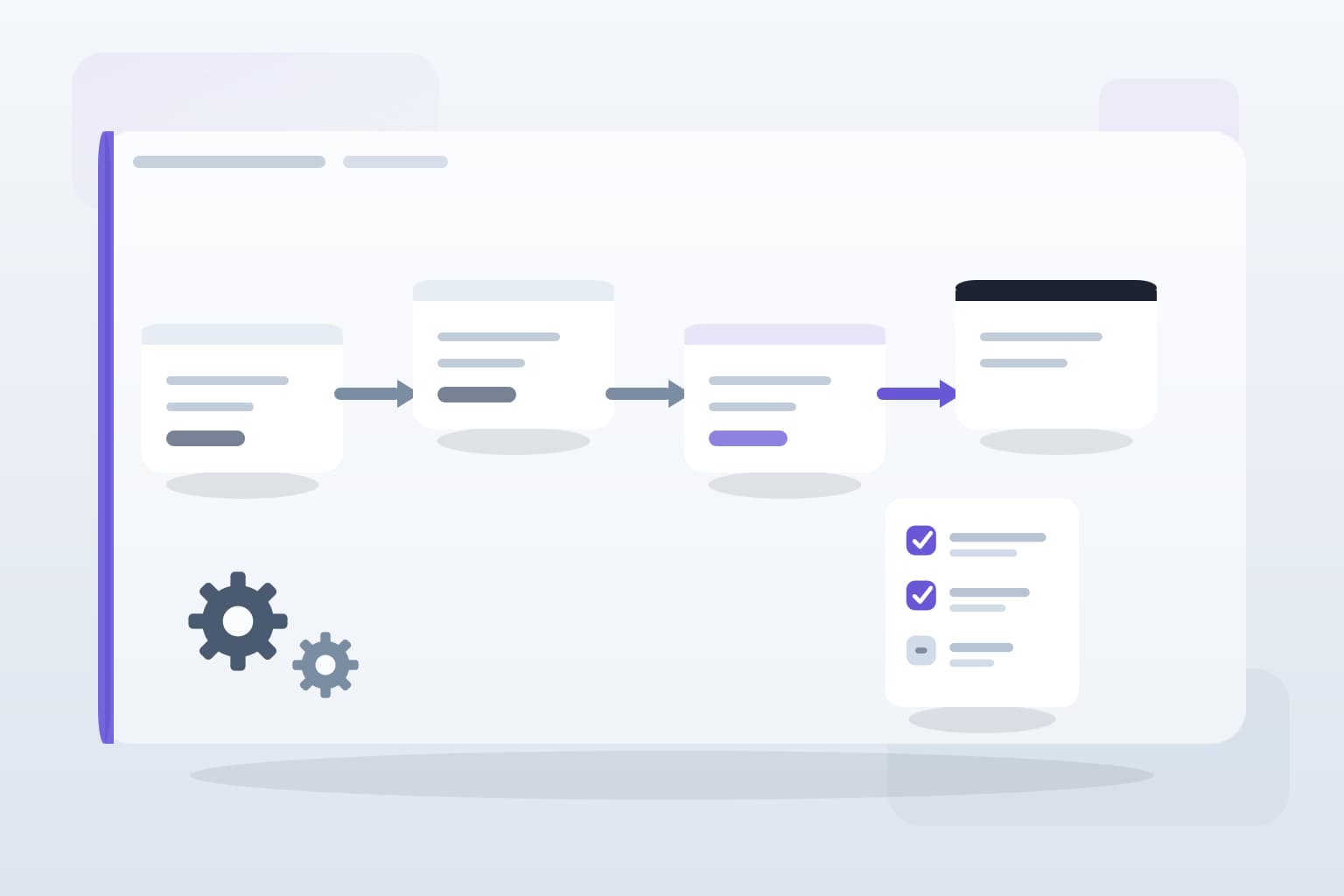
Workflow automation tools can streamline the entire client communication process. For example, you can create automated workflows that trigger specific actions based on client interactions. If a client uploads a document, an automatic notification can be sent to the relevant team member for review. This not only keeps everyone in the loop but also ensures that no document gets lost in the shuffle.
Be cautious, however, to ensure that automation does not replace personal touch where it matters. Certain communications, especially those involving sensitive issues or complex queries, still benefit from a human response.
Monitor and Adjust Your Systems
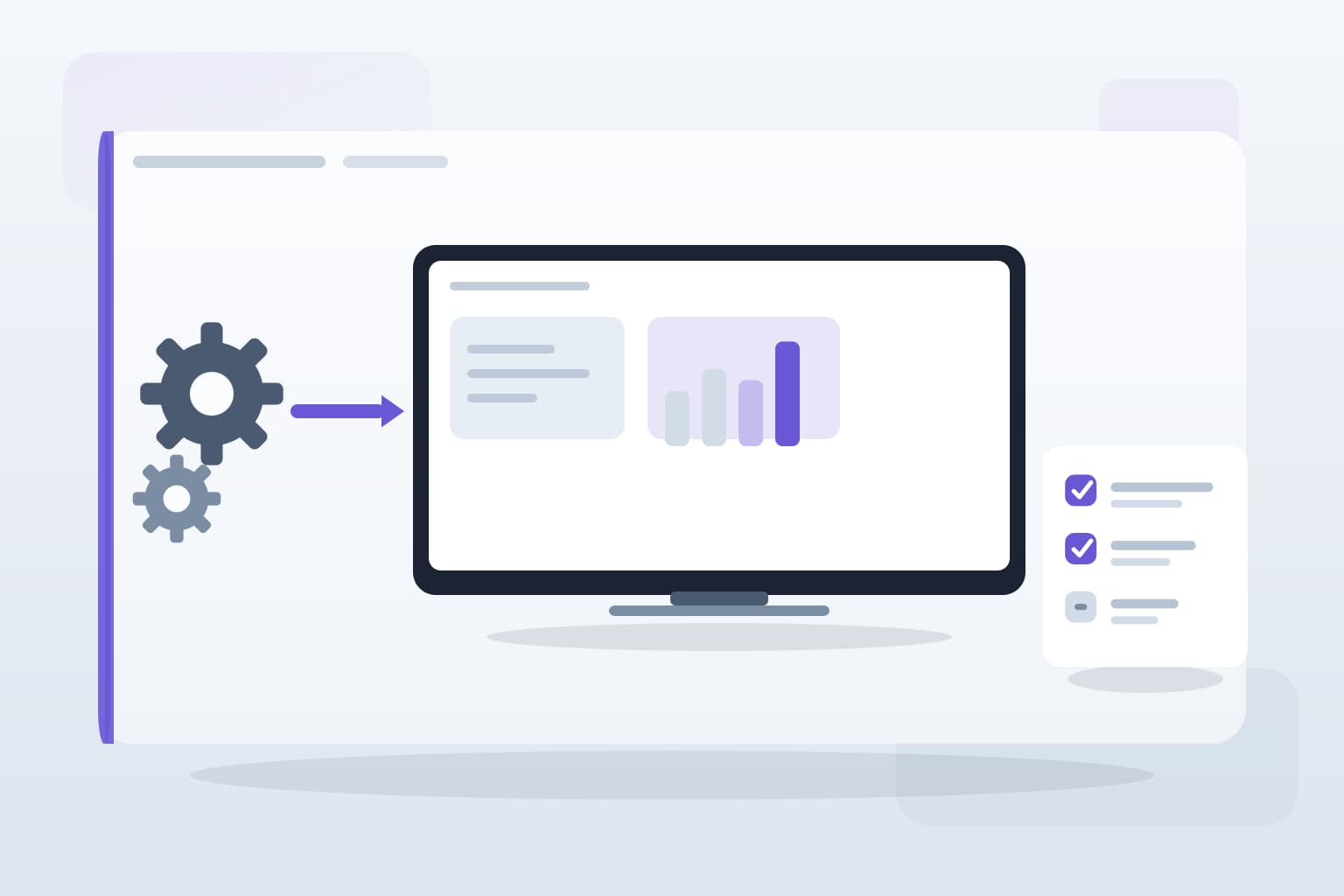
Once you've implemented automation, it's crucial to monitor its effectiveness. Gather feedback from your team and clients to identify any friction points. Are clients still confused about where to upload documents? Is the automated reminder system functioning as intended? Regularly reviewing and adjusting your systems will help you refine the process and ensure that it meets the evolving needs of your practice.
Remember, automation should enhance your operations, not complicate them. By staying attuned to how your systems are working, you can make necessary adjustments and continue to improve client communication.
Key takeaways
What to remember
The points worth carrying into your next pack cycle or process review.