Picture this: it's the end of the month, and your team is drowning in emails from clients asking for updates on their VAT packs. You’ve got a deadline looming, yet the same documents are scattered across various email threads and cloud storage. This chaos isn’t just frustrating; it’s costing your firm time and money. The good news is that you can automate many of these repetitive tasks, freeing up your team to focus on more valuable work.
Automation isn’t about replacing your team; it’s about enhancing their capabilities. By implementing the right systems, you can transform your accounting workflows into a well-oiled machine.
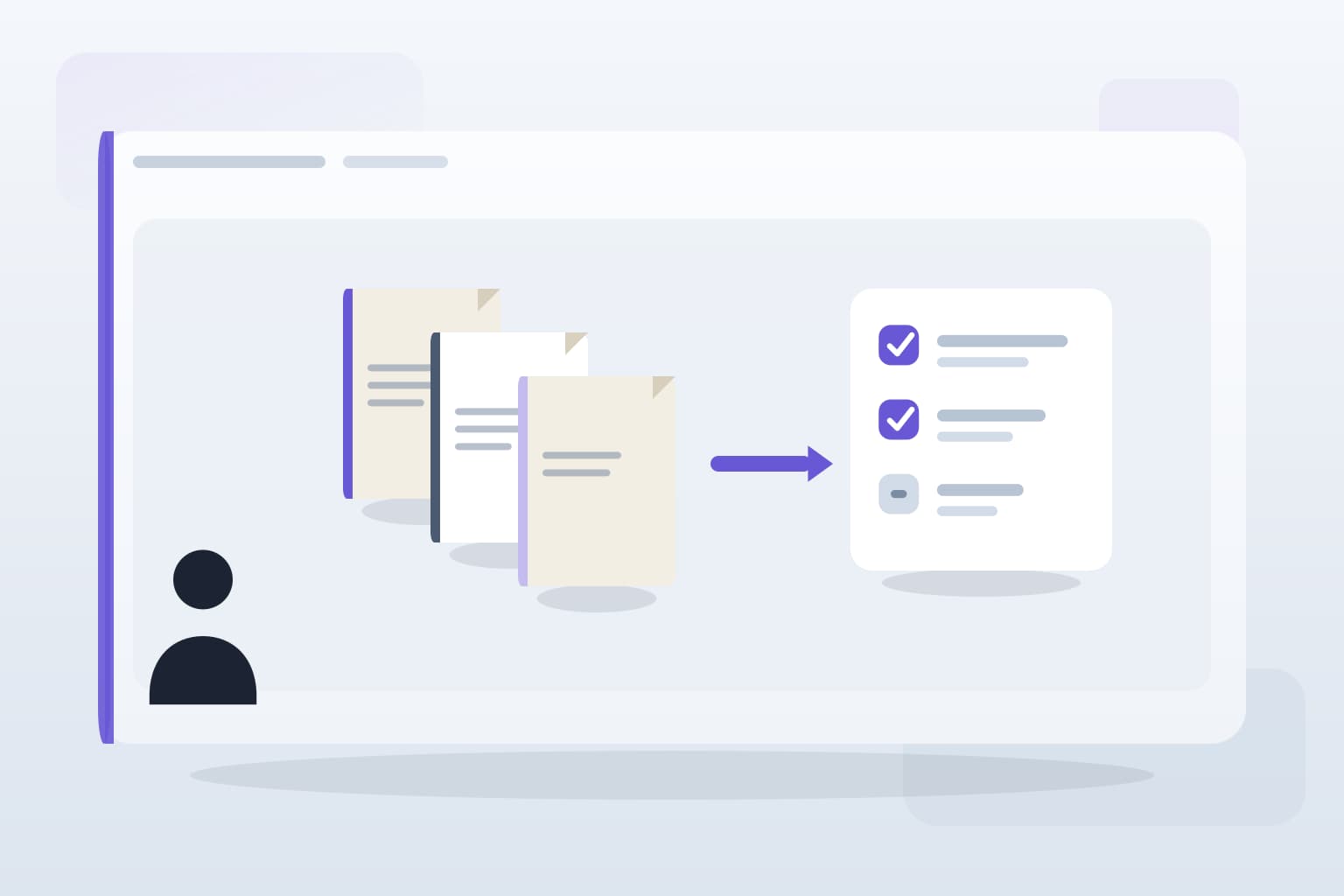
Centralise Document Collection
Many firms still rely on email for document collection, leading to lost files and miscommunication. Instead, consider setting up a client portal where clients can upload documents directly. This approach not only keeps everything in one place but also allows you to track submissions in real-time. You can automate reminders for clients who haven’t uploaded their documents by a certain date, reducing the back-and-forth emails.
Tools like ShareFile or Dropbox Business can be integrated with your existing systems, ensuring that all documents are accessible to your team without the hassle of searching through endless email chains.
Automate Client Communication
Client chasing is a significant drain on resources. Automating communication can drastically reduce this burden. Use tools like Mailchimp or HubSpot to set up automated email sequences for reminders about upcoming deadlines or missing documents. For instance, if a client hasn’t submitted their year-end documents by a specific date, an automated email can be sent to prompt them.
Ensure your messages are personalised and relevant. Clients appreciate a touch of human interaction, even in automated communications.
Integrate Your Practice Management Tools
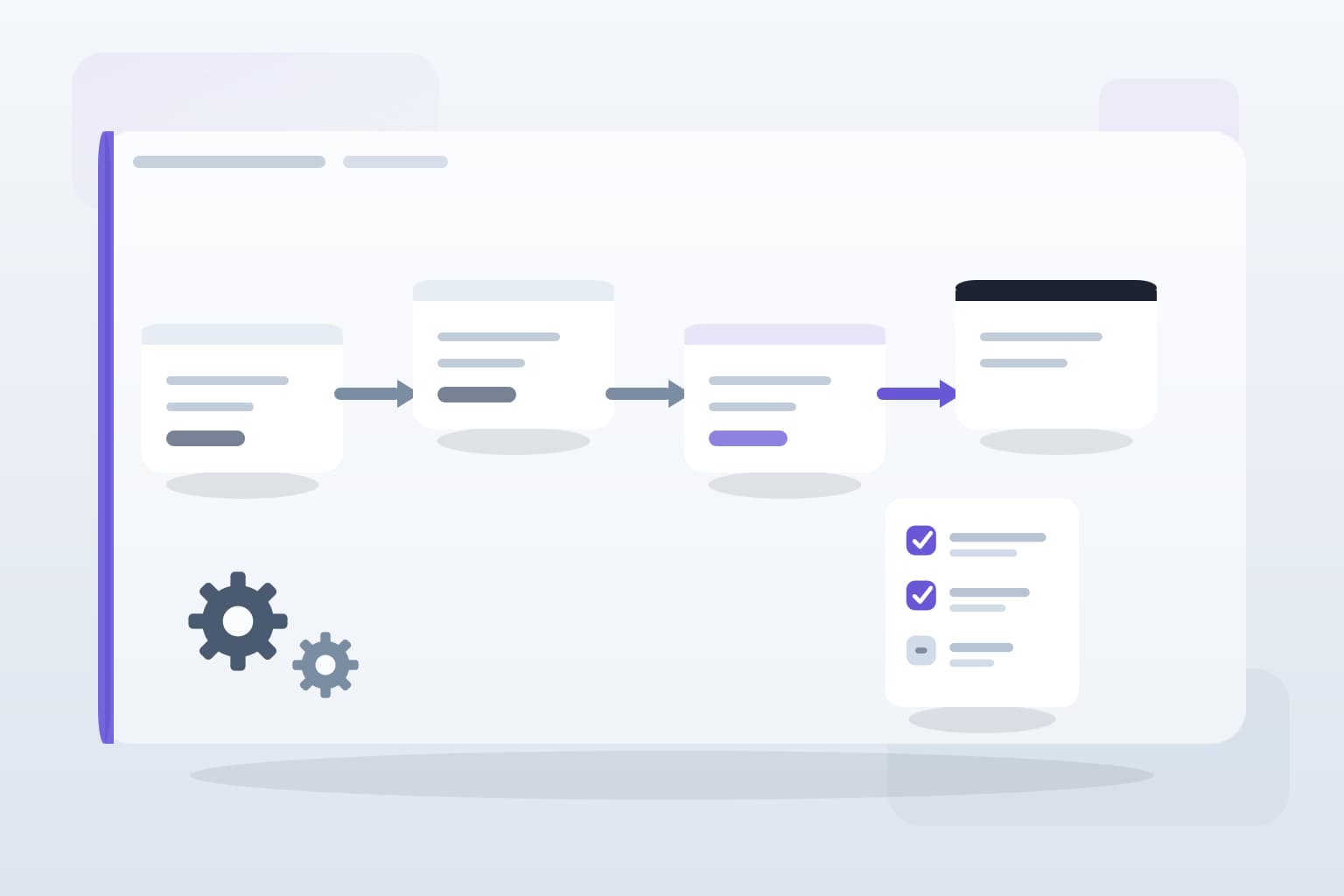
Disconnected systems lead to inefficiencies. If your accounting software, document management, and client communication tools aren’t integrated, you’re likely spending too much time switching between platforms. Look for practice management systems that offer API integrations with your existing tools. This way, you can automate data entry and updates across platforms.
For example, if a client pays an invoice, your accounting software should automatically update their account status and notify your team without manual input.
Monitor and Adjust Your Processes
Implementing automation doesn’t mean setting it and forgetting it. Regularly review your automated processes to ensure they’re working as intended. Gather feedback from your team about what’s working and what isn’t. You might find that certain automated emails need tweaking or that additional reminders are necessary for specific clients.
Using analytics tools can help you track the effectiveness of your automated workflows, allowing you to make informed adjustments.
Key takeaways
What to remember
The points worth carrying into your next pack cycle or process review.